 Chessory
How it works
- Open Settings in the sidebar and choose Accounts.
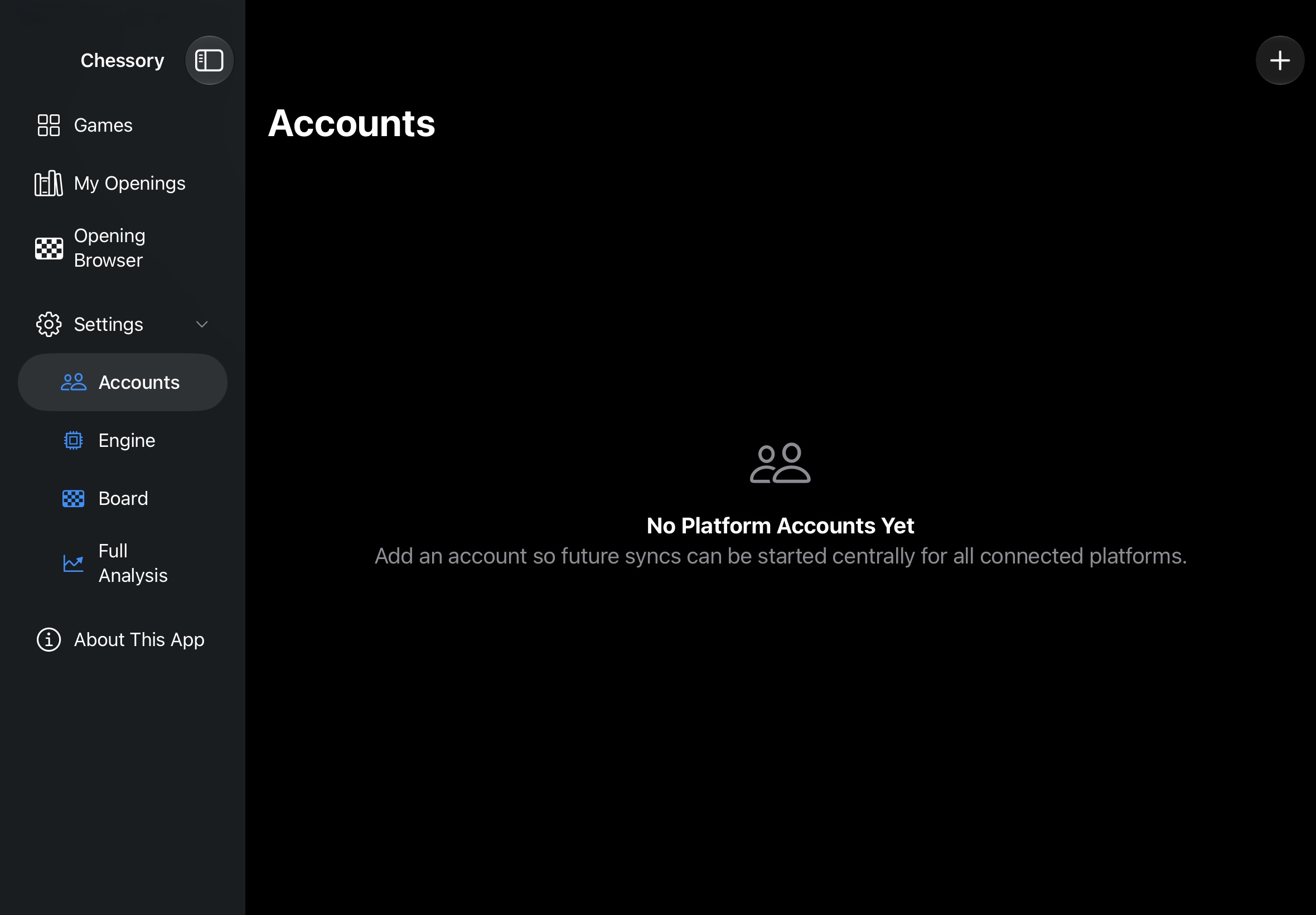
- Tap + at the top right to add an account.
- Choose the platform at the top – Lichess or Chess.com – and enter your username.
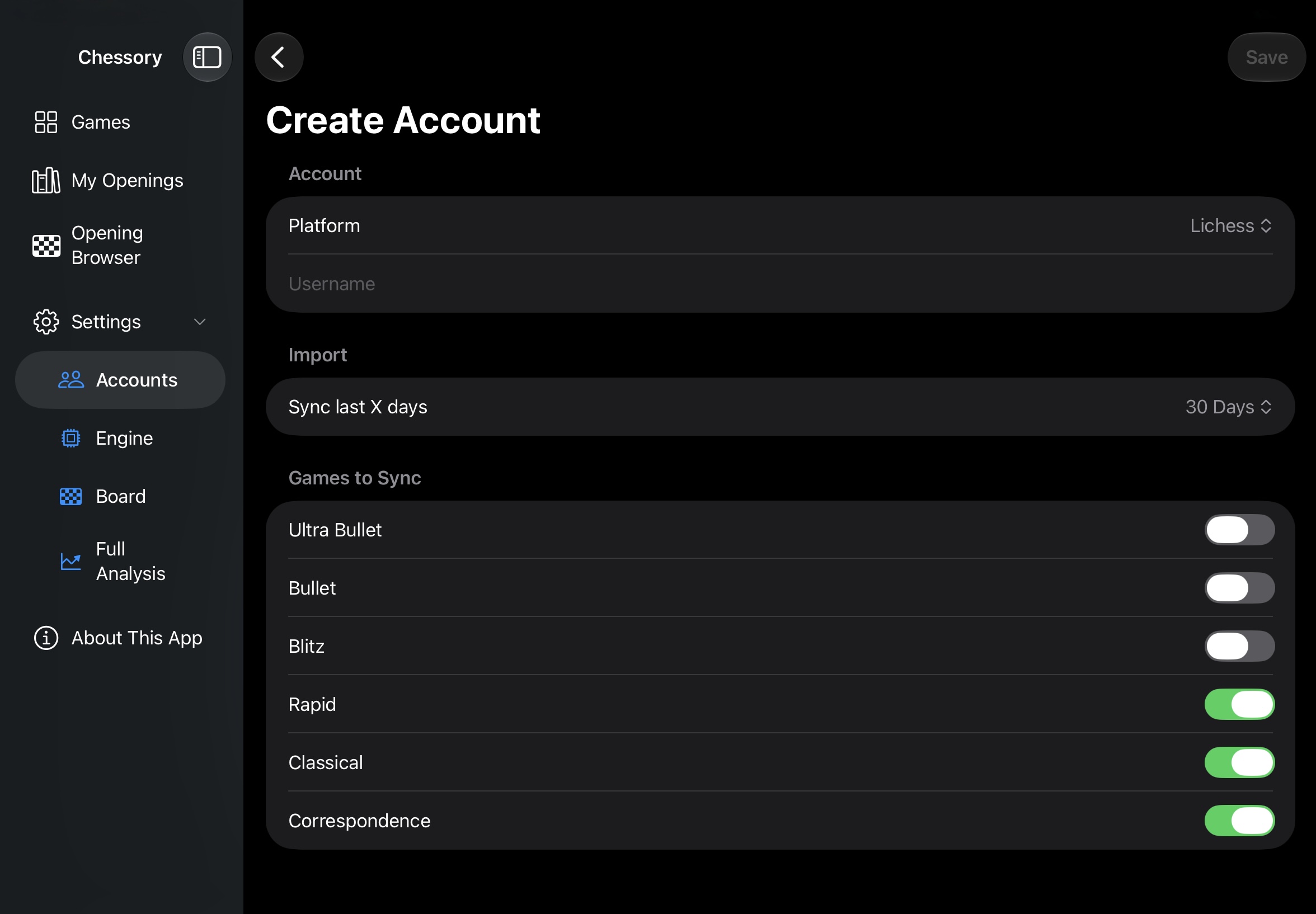
- Set how many days to sync (Sync last X days) and switch on the game modes you want to import, from Ultra Bullet to Correspondence.
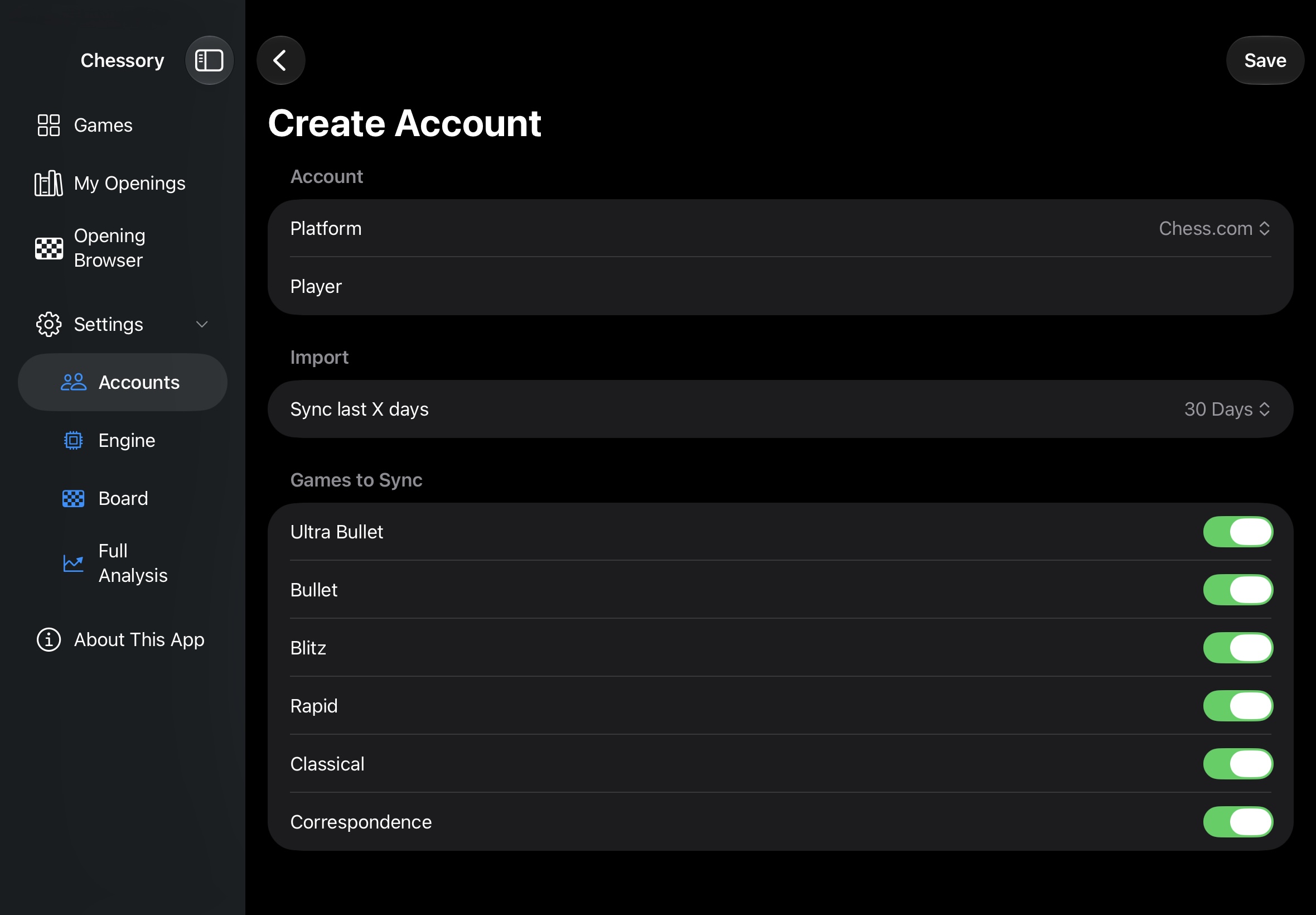
- Tap Save at the top right.
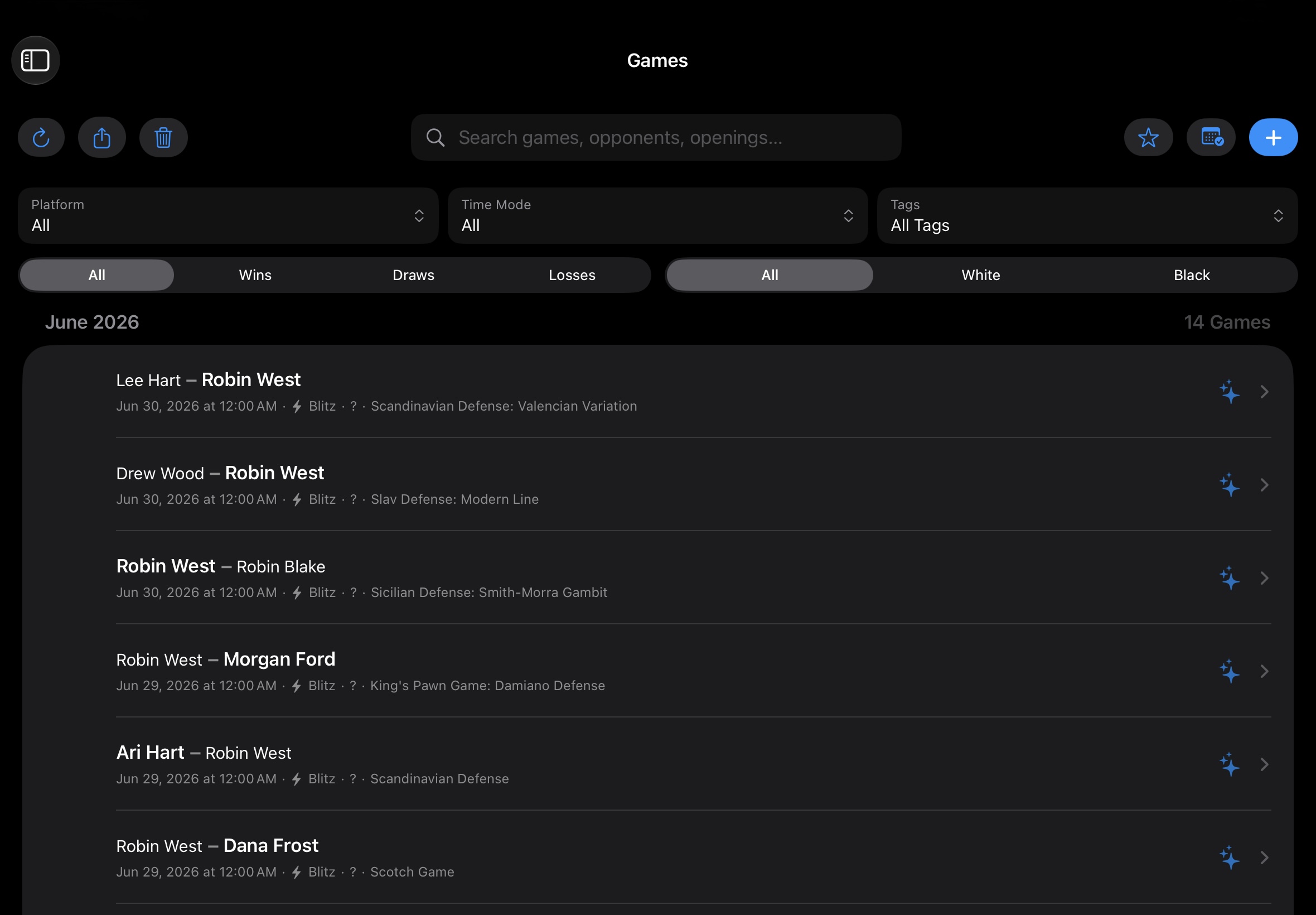
- Go back to Games and tap the refresh button at the top left to start the sync. Alternatively, pull the list down once. Your latest games land in your collection, ready for the full analysis and your AI coach.
Pro tips
You can connect several platforms. Syncs can then be started centrally for all connected accounts.
Played over the board? Enter your club and tournament games manually – see “Every game counts”.
Filter by game metadata, tags and favorites to pick exactly the games you want to study.